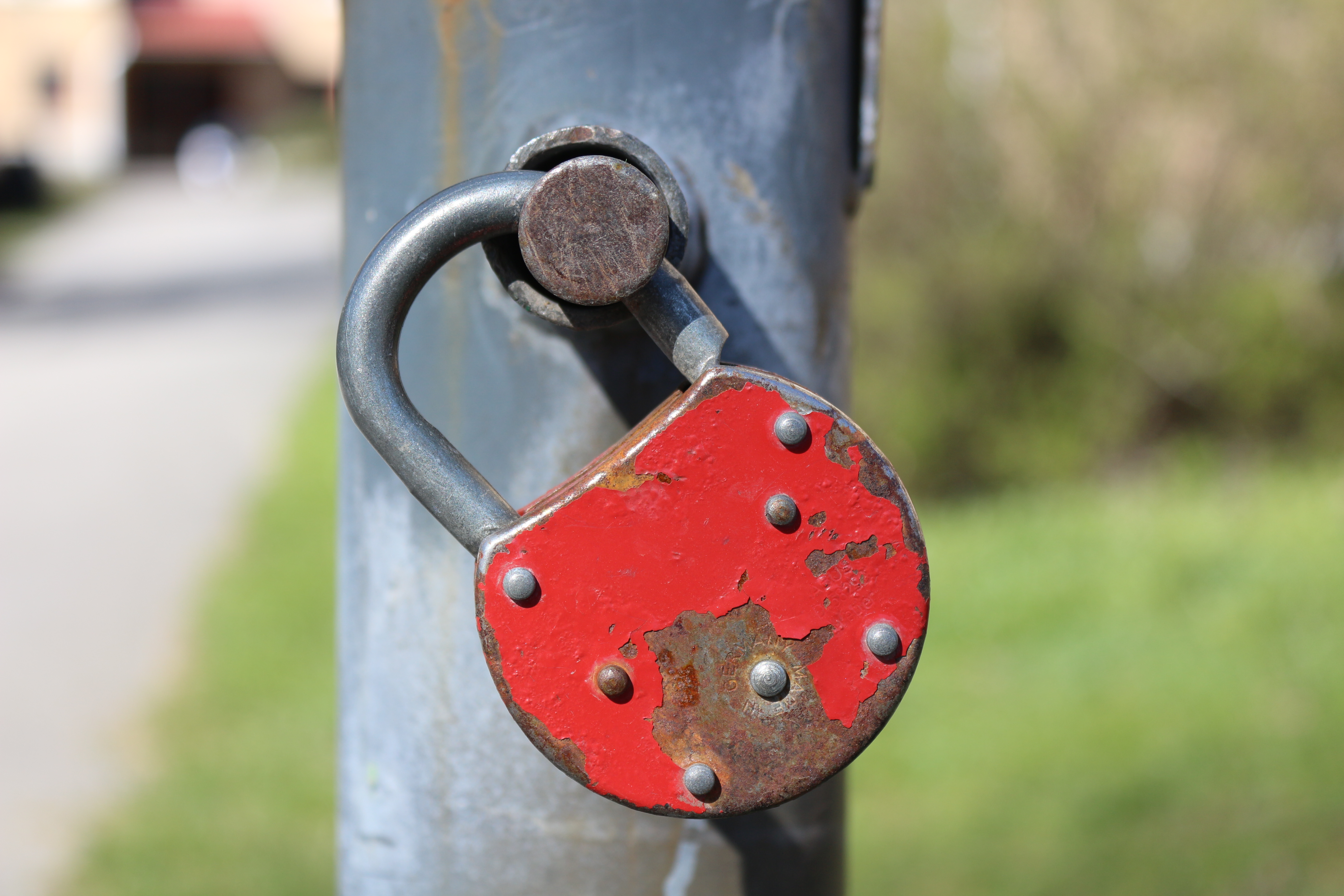
You can check whether a password was leaked in seconds, for free, without giving it to anyone. Have I Been Pwned’s Pwned Passwords service holds more than 18 billion breached passwords and accepts a range check that never sends the password itself (Have I Been Pwned, 2026). Security advice is finally easy enough to follow, which is exactly why credential-stuffing attacks keep failing upward: most people simply do not run the check.
Why NIST now says to check passwords this way
The 2024 revision of NIST SP 800-63B, the federal password rulebook, is explicit: services should screen new and changed passwords against lists of known compromised credentials and reject matches (NIST SP 800-63B, 2024). That single line turns "check if I leaked" from a paranoid habit into a compliance requirement for most regulated products. The private tool you use at home is the same mechanism the government wants every bank to run.
The password is only a secret until it is in a dump; after that, checking is cheaper than trusting.
— Savviest security desk, 2026
The best free password leak checkers in 2026
| Tool | Checks | How it protects the password | Cost |
|---|---|---|---|
| Have I Been Pwned | Emails + Pwned Passwords | Anonymized range (k-anonymity) | Free |
| Google Password Checkup | Saved passwords | Hash comparison in-app | Free with Google |
| Firefox Monitor | Emails | Server-side matching | Free |
| Bitwarden breach report | Vault | Client-side against dumps | Free / paid |
| 1Password Watchtower | Vault | Local plus cloud dumps | Paid |
Every row in the table can be run from a browser or app store today, and none of them needs your actual password typed into a website. The security you lose by skipping the check is almost always worse than the small trust you place in a reputable checker.
How do these checkers work without seeing my password?
Pwned Passwords uses a technique called k-anonymity. Your device hashes the password, keeps the first five characters, sends those five characters, and the server answers with every breached hash that starts with that prefix. Your device then compares locally. The server never learns the password, only a fragment shared by thousands of other people’s passwords (HIBP, 2026).
That design is why this is one of the rare security tools you can recommend to a non-technical parent without a tutorial. Type nothing sensitive, receive yes or no. The only real hazard is typosquatting clones with the same name, so install from the official site or the official app store page.
What to do after the checker says "found"
- Change the leaked password on the affected site right away.
- Use a password manager to generate and store a unique replacement.
- Change any other account that reused the same password.
- Turn on two-factor authentication on the exposed account.
- Run the email check on every address you own at least once a year.
The sequence matters: stop the bleed (change the password), stop the dominoes (kill reuse), then armor the account (2FA). Most breaches chain because people change the one password and leave the other nine accounts on the same string.
How credential stuffing actually uses leaked data
Credential stuffing is the boring, automated cousin of hacking. Attackers take millions of leaked email/password pairs, run them against banks, stores, and social sites, and log into whatever matches. The reason it works is not clever attacks, it is reuse; when your gym password equals your bank password, the gym dump becomes a bank key (OWASP, 2026).
The defense is structural, not moral: a password manager that auto-generates a unique password per site breaks the reuse chain everywhere. The leak checker is the tripwire, the manager is the fix.
Are email breach checkers worth it?
Email checks (HIBP’s "have I been pwned" email search, Firefox Monitor) tell you which sites exposed you, which is the higher-value half of the puzzle. Knowing "your email was in the 2025 Twitch-style dump" tells you where to prioritize, while a password check tells you the string is compromised. Run both; they answer different questions.
Paid services wrap the same data with dark-web monitoring and new-breach alerts. For most people the free tier is enough; the paid extras shine only if you use the same email everywhere, which you should not.
Should you trust a site that asks for your old password?
Never type a real, current password into a random website promising to "test" it. Legitimate checkers either operate locally or use the k-anonymity range trick described above; if a page asks for the password itself, close the tab. The same rule applies to any "leak scanner" that also asks for your bank login or SSN.
The k-anonymity trick that protects your password
The clever part of most legitimate password checkers is that they never receive your full password. Instead, your browser hashes it locally, sends only the first five characters of the hash to the server, and the server returns the full list of breached hashes that begin with those five characters. Your device compares the remainder locally, and your real password or its full hash never leaves your machine (Have I Been Pwned, 2026).
This is why the "type nothing sensitive" rule above is safe in practice: the property of k-anonymity guarantees that with millions of people sharing the same five-character prefix, the server cannot distinguish your hash from hundreds of thousands of others. The trade-off is that the approach works only for password hashes, not for emails, which is why email checks use a different, de-identifying method.
How often should you run a leak check?
Security researchers recommend running an email breach search at least every six months, and rerunning a password check whenever one of your accounts "resets" you, sends a suspicious verification, or a major service you use announces a dump. The yearly habit catches the slow bleed; the event-driven check catches the urgent one (independent security advice, 2026).
Batch it with your other digital hygiene: pair the leak check with a password-manager rotation, a 2FA audit, and removing the accounts you no longer use. The sites you abandoned are the ones most likely to leak your old credentials into a dump, since they are the least maintained.
One more habit pays off. After a major world event or a big company breach, run the check once more; breach databases update on waves, and "your password not found today" is only a snapshot of a moving archive.
What to do if the checker says your password is fine, but you still used it everywhere
A "not found" result is good news for that exact string, but it does nothing for the reuse problem. If your one standard password appears across a dozen sites, the correct move is to rotate it on every account anyway, starting with banking, email, and any account tied to payment, because a future leak of one site gives away the rest (Have I Been Pwned, 2026).
The rotation order should follow blast radius, not convenience: email first, since it resets everything else, then banks, stores, then social. You do not need a new password for every site on day one; a manager that generates and stores a unique string per site handles the backlog in one focused afternoon.
Free vs paid breach monitoring, honestly priced
The free tier of most breach services already gives you the two numbers that matter: did my address appear, and in which incidents. Paid monitoring adds alerting when a new dump includes you, which is genuinely useful but only if you act on it. The honest pricing line is that a 2026 paid plan should not be a subscription you hold for years on hope; it should pay for itself the first time it catches a new exposure before your bank emails you (which they will).
For most households the free tier plus a six-month self-check is sufficient. The upgrade to paid makes sense when you actively maintain a high-value account, run a small business, or share an address across family bills where one leak cascades. Run both free checkers first; if they agree, paid adds little.
And write the one date down: a reminder on your phone for the half-year check. The breach that matters most for you is rarely the giant headline, it is the small reset portal you stopped using in 2024.
Key takeaways
- Pwned Passwords checks 18B+ breached passwords without seeing yours.
- NIST SP 800-63B (2024) requires breached-password screening for regulated products.
- Top free checkers: HIBP, Google Password Checkup, Firefox Monitor, Bitwarden.
- On a hit: change the password, kill reuse, enable 2FA.
- Never type a current password into a random leak-testing site.
Frequently asked questions
What is the best free password leak checker?
Have I Been Pwned is the standard for both emails and passwords, with Google Password Checkup and Firefox Monitor close behind for tied-in accounts.
Can I check my password without sending it?
Yes. Pwned Passwords uses k-anonymity: only a five-character hash prefix leaves your device, and the match completes locally.
What should I do if my password was leaked?
Change it now, change any reused copy, turn on 2FA, and stop reusing passwords across sites going forward.
Are paid dark-web monitoring services worth it?
Rarely, unless you reuse emails everywhere. Free email and password checkers cover the same ground for most people.
- Why reusing passwords is still the #1 security mistake
- Best private browsers in 2026
- Which VPN is actually safe to trust
- Have I Been Pwned — check your passwords
- NIST SP 800-63B digital identity guidelines
Bottom line
And write the one date down: a reminder on your phone for the half-year check. The breach that matters most for you is rarely the giant headline, it is the small reset portal you stopped using in 2024.
What we still don't know
This is a fast-moving story. We update the post as new facts land — and we'll flag it when we do.
Enjoyed this? Pay it forward
A sharp story is worth passing on. Share it with the people who read tech like it matters.